
Accessibility & Compliance·May 18, 2026·7 min read
ADA & your website: what every business owner needs to know in 2026.
Lawsuits over inaccessible websites are surging — and small businesses are the new target. Here's the law, the risk, and the fastest path to compliance.
If your business has a website, the Americans with Disabilities Act (ADA) applies to you. And in 2026, that's no longer a gray area — courts have repeatedly ruled that commercial websites are "places of public accommodation," which means they must be usable by people with disabilities. Ignore it, and you're exposed to lawsuits, demand letters, and lost customers.
What is web accessibility, really?
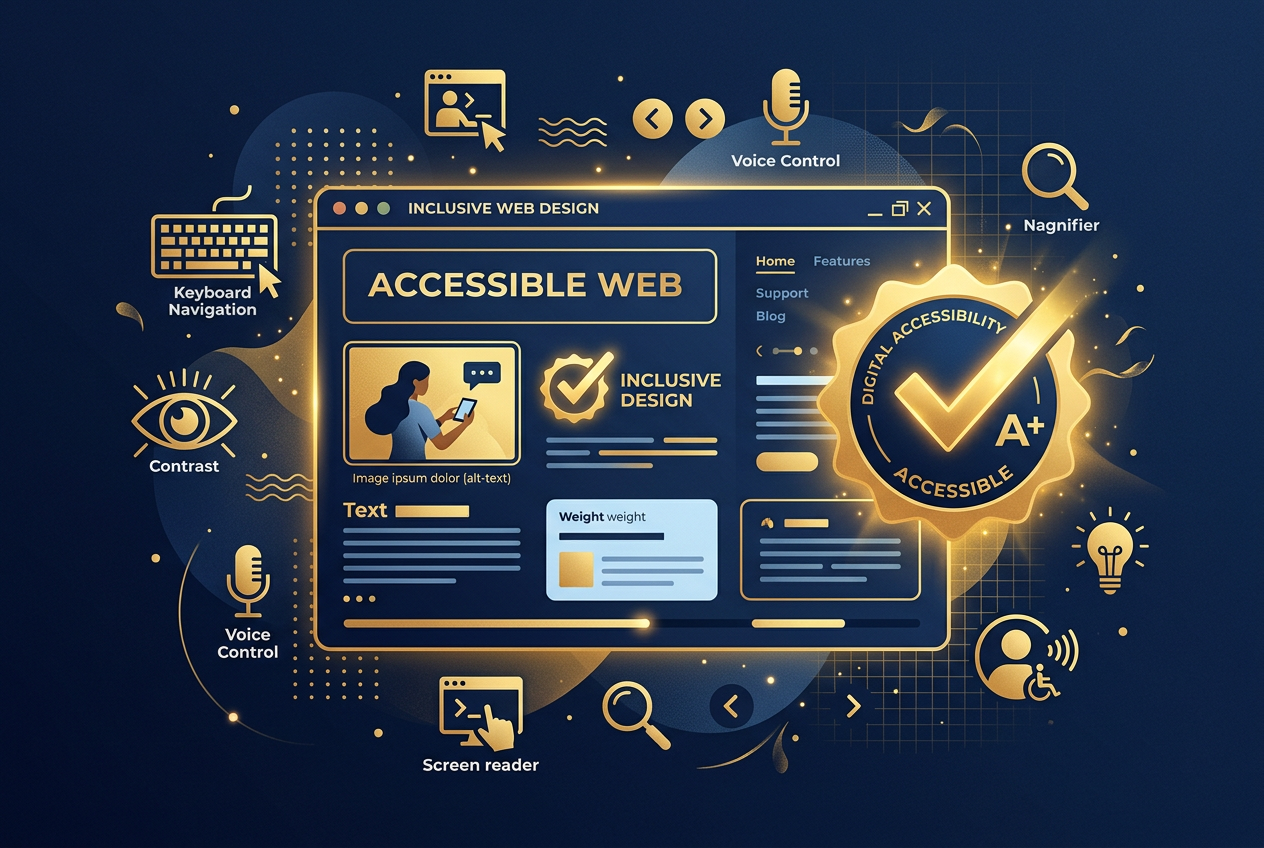
Web accessibility means your website works for everyone — including people who are blind, low-vision, deaf, hard-of-hearing, have motor impairments, or use assistive technology like screen readers, keyboard-only navigation, or voice control. The global standard is the Web Content Accessibility Guidelines (WCAG) 2.1 Level AA, which is what most U.S. courts and the Department of Justice point to.
"Over 4,000 ADA web accessibility lawsuits were filed in federal court in 2024 alone — and small businesses are the new target."
Why this matters now.
- Lawsuits are climbing fast. Over 4,000 ADA web accessibility lawsuits were filed in federal court in 2024 alone — and small businesses are increasingly the target, not just big-box retailers.
- Demand letters are even more common. Most cases settle quietly for $5,000–$25,000 plus the cost of remediation.
- You're losing customers. Roughly 1 in 4 U.S. adults lives with a disability. An inaccessible site quietly turns them away.
- SEO benefits. Most accessibility fixes (semantic HTML, alt text, proper headings) also improve search rankings.
The most common accessibility failures.
- Images without alt text
- Low color contrast on text and buttons
- Forms without proper labels
- Videos without captions or transcripts
- Buttons and links that can't be reached by keyboard
- PDFs that aren't tagged or readable by screen readers
- Pop-ups and modals that trap focus
How to get compliant — without doing it alone.
Manual remediation is slow and expensive. The good news: modern tools can scan, fix, and continuously monitor your site. That's where ADA Active Shield comes in.
Partner spotlight
Get your site ADA-compliant with ADA Active Shield.
ADA Active Shield specializes in WCAG 2.1 AA remediation for small and mid-sized businesses. They audit your site, fix the issues, and monitor it continuously — so you stay protected as your content changes. If you've received a demand letter, or you just want peace of mind, this is the fastest path to compliance.
Visit ADA Active ShieldA simple starting checklist.
- Run a free scan (ADA Active Shield offers one).
- Add alt text to every meaningful image.
- Check color contrast on buttons, links, and body text.
- Make sure every form field has a visible label.
- Try navigating your whole site with only the Tab key.
- Add an accessibility statement page with a contact path.
Bottom line.
Web accessibility is a legal requirement, a customer service issue, and a brand trust signal — all at once. The cost of getting compliant is a fraction of the cost of a single lawsuit, and the upside is a better website for every visitor you have. Don't wait for the demand letter.